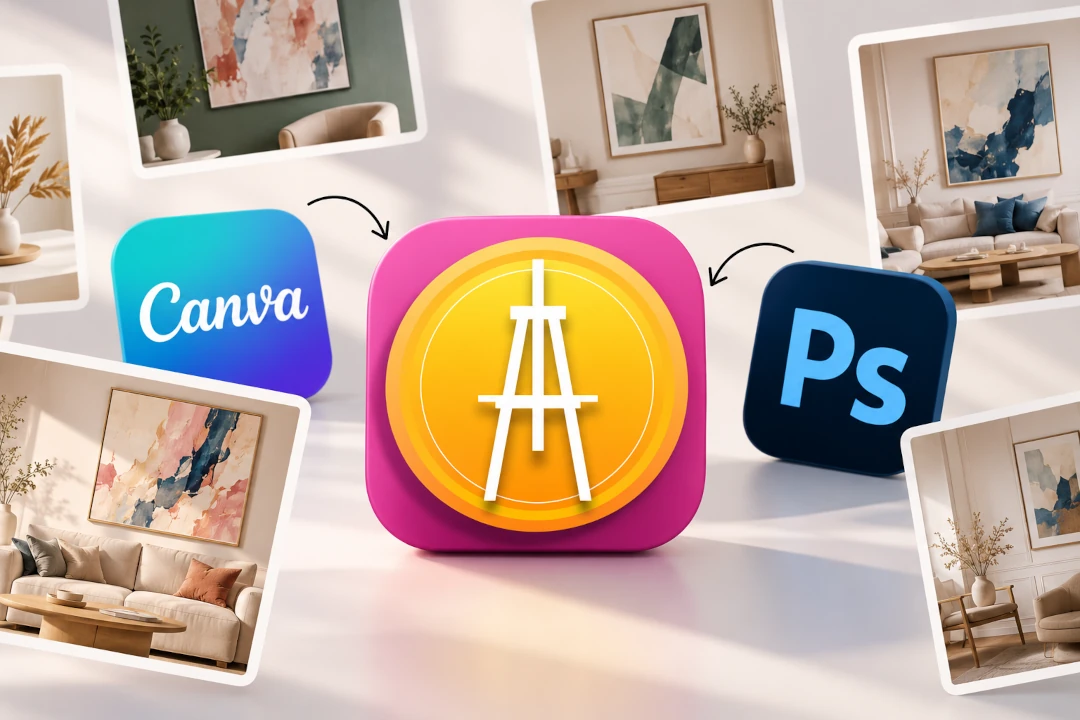
Best Art Mockup Apps for Artists in 2026
A strong photograph of your artwork is essential, but it does not always show a potential buyer what the piece will feel like on a wall. That is where an art mockup app becomes useful. Instead of photographing every painting or print in a styled room, artists can place their work into an interior digitally and create presentation images for websites, portfolios, social media and online listings.
The best art mockup app depends on what you actually need. Some tools are made specifically for artists and focus on realistic rooms, scale, frames and artwork presentation. Others are broader design platforms that happen to include mockup features. More advanced platforms may add virtual exhibitions, client presentations or website integrations.
Below are some of the strongest options in 2026, what each is best suited for, and what to look for before choosing one.
Best Art Mockup Apps at a Glance
| Tool | Best for |
|---|---|
| InsituArtRoom | Artists who want room mockups, reels, AR previews and artwork showcasing in one platform |
| Canva | General design and social media graphics with built-in mockup options |
| Photoshop | Artists and designers who want maximum manual control over custom mockups |
1. InsituArtRoom: Best All-Round Art Mockup App for Artists
InsituArtRoom is built specifically around presenting artwork. Rather than starting with a general design canvas, you start with your art and place it into realistic interiors designed to help viewers understand how a piece could look in a real space.
The platform includes 1,500+ interiors across different styles, plus tools for positioning and sizing artwork, frames and mats, wall colour changes, realistic perspective, and social-ready content. Artists can also create Reels and use AR previews so viewers can visualise artwork in their own surroundings on compatible devices.
InsituArtRoom works on Web, iOS and Android, which is useful if you create content on both a phone and computer. You can start with 9 free interiors; Premium unlocks the wider interior collection and additional presentation possibilities.
Another difference is that the workflow does not have to end with the mockup. Artists can showcase their work through InsituArtRoom and can choose to list original artwork in the Marketplace, making it useful for both presentation and selling.
Best for: independent artists who want one dedicated tool for creating professional artwork mockups, social content and buyer-friendly visualisations.
Try an Art Mockup with Your Own Artwork
Upload your artwork to InsituArtRoom and see it in realistic interiors. Start with 9 free interiors, then explore the full Premium collection when you want more rooms and presentation options.
Create Your First Mockup2. Canva: Best for Combining Mockups with Social Graphics
Canva is not an art-specific mockup app, but its Mockups feature can place uploaded images and designs into a range of templates. Its biggest advantage is that the mockup can immediately become part of a larger Instagram post, Story, advertisement, presentation or other graphic.
For artists, Canva can therefore be useful when the final goal is a designed marketing asset rather than a highly specialised artwork visualisation. The trade-off is that its mockup system is designed for many kinds of products and designs, not exclusively for presenting fine art on walls.
Best for: artists who already use Canva and want mockups inside a broader social media and graphic-design workflow.
3. Photoshop: Best for Complete Manual Control
Photoshop remains useful when you want to build a mockup manually from a specific photograph. With layers, masks, perspective adjustments, shadows and other editing tools, an experienced user can create highly customised results.
The disadvantage is time. A dedicated art mockup app is designed to remove much of that manual work. If you need to create mockups regularly for dozens of artworks, repeatedly preparing Photoshop files can become inefficient.
Best for: experienced image editors who need custom scenes and precise manual control.
What Should an Artist Look for in a Mockup App?
Do not choose an app only because it has attractive room photographs. The mockup also needs to make your artwork look believable and help you create useful content efficiently.
Realistic Interiors
The room should support the artwork rather than overpower it. Look for a varied library with different interior styles, wall sizes, lighting conditions and compositions. This makes it easier to match the presentation to the personality of each artwork.
Correct Artwork Scale
Scale matters when selling art online. A beautiful mockup can become misleading if a small artwork is shown as an enormous statement piece. Use real dimensions whenever the tool supports them and check the visual relationship between the artwork, furniture and wall.
For more on this, see How to Put Your Art on a Wall Without Photoshop.
Frames and Mats
If you sell prints, photographs or works on paper, frame and mat options can make a major difference. Being able to test different presentations also gives you more visual material for listings and social posts.
Perspective
Not every wall is photographed straight on. When an interior is viewed from an angle, the artwork needs to follow the wall plane. Perspective tools can help prevent the pasted-on appearance that makes a mockup look artificial.
Wall Colour Options
The same artwork can feel completely different on a white, grey, green or dark wall. Changing wall colours gives artists another way to create varied images from the same piece and understand which setting makes the work stand out.
Video and Reels
Static images are only one part of online art marketing. If you regularly post on Instagram or other social platforms, an app that can turn your artwork into moving content can reduce the number of separate tools you need.
See Create Art Reels for Social Media for more ideas.
AR Preview
Room mockups and augmented reality solve related but different problems. A mockup places your art in a prepared interior. AR lets a viewer visualise the artwork in their own surroundings. For artists selling online, offering both can make the presentation more useful at different stages of the buying decision.
Read more in Augmented Reality for Artists.
Easy Export for Websites and Social Media
A good workflow should make it easy to reuse the same artwork presentation across your portfolio, online shop and social channels. Before committing to a tool, think about where you actually publish your work and what image or video formats you need most often.
Free vs Paid Art Mockup Apps
A free art mockup app can be enough when you are testing the idea or only need an occasional image. The limitation is usually choice: fewer interiors, fewer customisation options or restrictions around exports.
If mockups are a regular part of your art business, a paid plan can make sense when it saves you time and gives you enough visual variety to avoid using the same room repeatedly. The important question is not simply whether an app is free, but whether it helps you create presentation material you will actually use.
With InsituArtRoom, you can begin with 9 free interiors before deciding whether the larger Premium collection fits your workflow.
Which Art Mockup App Is Best for Instagram?
For Instagram, look beyond a single static room image. You may want several interiors for carousel posts, vertical compositions for Stories, frame variations and short-form video for Reels.
InsituArtRoom is particularly suited to this workflow because artwork mockups and Reels are part of the same artist-focused platform. Canva is useful when you want to add typography, layouts or other graphic-design elements around the finished mockup.
For a broader Instagram strategy, see How to Sell Art on Instagram.
Which Art Mockup App Is Best for Selling Art Online?
When the goal is selling rather than simply making attractive content, choose a tool that helps answer buyer questions. How large is the artwork? What does it look like above furniture? Does it work with a frame? How might it look in a real home?
This is where realistic art-specific mockups are more useful than generic product templates. Pair the mockup with a clean photograph of the original artwork, dimensions, medium, price and a clear description. The mockup should add context, not replace accurate documentation of the piece.
You can learn more in What Makes People Buy Art Online?.
How to Make a Better Art Mockup
Whichever app you choose, a few decisions make the result stronger:
- Start with a clear, straight-on photograph or scan of the artwork.
- Keep the artwork's proportions accurate.
- Use realistic dimensions rather than making every piece oversized.
- Choose an interior that complements the work without competing with it.
- Match perspective carefully when the wall is angled.
- Use frames and mats that suit the artwork.
- Create several different presentations instead of relying on one mockup.
- Keep a clean image of the original artwork alongside contextual images.
For a step-by-step approach, see How to Make a Painting Mockup Online.
Create Your Own Art Mockup
See how your artwork looks in realistic interiors with InsituArtRoom. Create mockups for your portfolio, website, online shop and social media, make Reels, and give viewers another way to experience your art with AR previews.
Start with 9 free interiors. Premium gives you access to the wider collection of 1,500+ interiors.
Try InsituArtRoomFinal Thoughts
The best art mockup app is the one that fits the way you present and sell your work. Photoshop offers maximum manual control. Canva is convenient for broader graphic design. Smartist focuses closely on artwork visualisation, while ArtPlacer provides a larger professional presentation ecosystem.
For artists who want a dedicated workflow for realistic art mockups, Reels, AR previews and artwork showcasing, InsituArtRoom brings those tools together in one place and works across Web, iOS and Android.
Most importantly, use mockups to help people understand your art. The goal is not simply to create a beautiful room image. It is to make scale, style and context easier to imagine, so the artwork itself becomes easier to appreciate, share and buy.