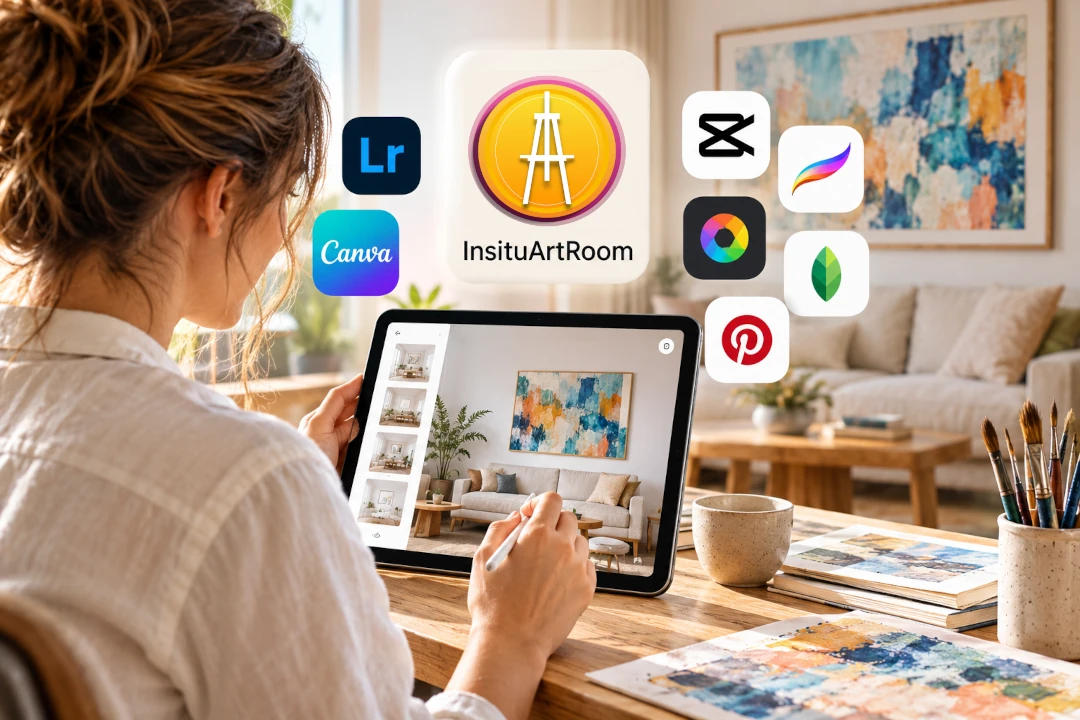
Best Apps for Artists: 10 Tools to Grow Your Art Business
The best apps for artists do much more than help you make art. Today, artists also need tools to photograph and present their work, build a portfolio, create social media content, organise projects, reach potential collectors and sell artwork online.
You do not need dozens of apps to do all of this. The right combination depends on what you create and where you are in your art business. Below are 10 useful tools covering different parts of the process, from creating artwork to showing it on a collector's wall.
Best Apps for Artists at a Glance
| App | Best for |
|---|---|
| InsituArtRoom | Art mockups, AR previews, Reels and showcasing artwork |
| Procreate | Digital drawing and painting on iPad |
| Adobe Fresco | Digital drawing and painting |
| Canva | Marketing graphics and social media content |
| Building an audience and promoting art | |
| Visual discovery and long-term traffic | |
| Notion | Planning and organising an art business |
| Trello | Managing projects and commissions |
| Etsy | Selling art and art-related products |
| Shopify | Building your own online art store |
1. InsituArtRoom: Best for Showcasing Artwork Professionally
Best for: Art mockups, realistic interiors, framing, augmented reality, Reels and presenting artwork online.
Creating the artwork is only part of the job. Once a piece is finished, artists need a way to show potential buyers what it could look like outside the studio.
InsituArtRoom is built specifically for this stage. Artists can upload their artwork and place it in realistic interiors, adjust its size and position, add frames and mats, and create professional presentation images without arranging a physical photoshoot.
You can also create vertical Reels from your artwork presentations and use View in your room to visualise artwork on a real wall with augmented reality.
InsituArtRoom includes 9 free interiors, so artists can start creating mockups before deciding whether they need the larger Premium interior collection.
This makes it particularly useful for artists who sell online, because one artwork can become a portfolio image, a room mockup, social media content, a Reel and an AR experience for potential buyers.
See Your Artwork in a Real Interior
Upload your art, place it in a room and create a professional presentation in minutes. Start with 9 free interiors and explore more with Premium.
Try InsituArtRoom2. Procreate: Best for Digital Drawing on iPad
Best for: Illustration, sketching, digital painting and creating artwork on iPad.
Procreate is a popular creative app for artists and illustrators working on iPad. It provides drawing and painting tools in a touch-based workspace designed around the Apple Pencil.
It is especially useful for artists who want to sketch ideas digitally, create finished illustrations or develop artwork that can later be exported for portfolios, prints and online presentation.
3. Adobe Fresco: Best for Drawing and Painting
Best for: Digital illustration, painting and artists already using Adobe creative tools.
Adobe Fresco combines drawing and painting tools in an interface aimed at illustrators and digital artists. It can be a useful option if your workflow already involves other Adobe products or if you want to move work between different creative applications.
4. Canva: Best for Artist Marketing Graphics
Best for: Social posts, exhibition announcements, presentations and simple marketing graphics.
Artists frequently need visual material that is not the artwork itself: an exhibition announcement, a story graphic, a portfolio cover, a price list or a promotional post.
Canva can simplify this part of the workflow with templates and easy-to-use design tools. Keep artist marketing graphics simple and make the work the main visual focus.
5. Instagram: Best for Building an Art Audience
Best for: Sharing artwork, building an audience, Reels and connecting with potential buyers.
Instagram allows artists to combine finished artwork, studio content, stories, carousels and short-form video in one place. Instead of posting only finished pieces, show details, works in progress, room mockups, framing choices and the story behind individual works.
For a more focused strategy, read our Instagram for Artists guide and our guide to making art Reels for Instagram.
6. Pinterest: Best for Visual Discovery
Best for: Visual discovery, inspiration and sending people to your portfolio or website.
Pinterest works differently from a fast-moving social feed. People often use it to actively search for visual ideas, styles and inspiration. For artists with a website, shop or portfolio, it can become another route through which people discover individual artworks.
7. Notion: Best for Organising Your Art Business
Best for: Planning content, tracking artwork, storing ideas and organising business information.
Artists can use Notion to plan social content, keep track of exhibition deadlines, organise ideas for new collections or maintain internal notes about finished pieces.
8. Trello: Best for Projects and Commissions
Best for: Visual project management, commissions and exhibition preparation.
Trello uses boards and cards to organise tasks visually. That can be useful when a commission moves through enquiry, sketch, approval, production, payment and shipping, or when preparing for an exhibition.
9. Etsy: Best for Access to an Existing Marketplace Audience
Best for: Artists who want to list artwork, prints or creative products on an established marketplace.
Etsy gives artists access to an existing marketplace rather than requiring them to build an ecommerce audience entirely from scratch. Whether it suits your work depends on what you sell, your pricing and how you want to position your art.
Presentation still matters. Clear artwork photography and realistic mockups can help buyers understand what they are looking at, particularly when selling wall art or prints.
10. Shopify: Best for Building Your Own Art Store
Best for: Artists who want their own ecommerce website and more control over their online store.
Shopify can be used to create an independent online store. Compared with selling only through a marketplace, your own shop gives you greater control over how your brand, artwork and customer journey are presented.
The trade-off is that you are also responsible for attracting visitors. That makes marketing, search visibility, social media and professional presentation especially important.
Which Apps Does an Artist Actually Need?
You probably do not need all 10. A simple artist toolkit can be built around the stages of your own workflow.
- Create: Procreate or Adobe Fresco if you make digital art.
- Present: InsituArtRoom for room mockups, framing, Reels and AR previews.
- Promote: Instagram, Pinterest and Canva for audience building and marketing content.
- Organise: Notion or Trello for projects, commissions and planning.
- Sell: a marketplace, your own online store or another sales channel that fits your business.
For a traditional painter or photographer, the creation app may be unnecessary. For a digital illustrator, it could be central. Choose tools because they solve a real problem in your workflow.
Best Apps for Artists Who Want to Sell Art Online
If selling is the goal, focus on the complete buyer journey. A potential collector first needs to discover the artwork, understand it, imagine owning it and then have a clear way to purchase it.
That means your toolkit should support more than promotion. Good artwork photography, realistic presentation, useful descriptions and clear pricing all contribute to buyer confidence.
Start with our guides to how to sell art online, how to photograph artwork and how to write an artwork description.
Why Artwork Presentation Deserves Its Own Tool
Artists often spend considerable time making the work and then present it online with a single flat photograph. That image is essential, but it does not answer every question a buyer may have.
A realistic room mockup gives context to the dimensions. A frame can show one possible finished presentation. A Reel can make the artwork more noticeable on social media. AR can help someone visualise the piece in their own space.
This is where a specialist app such as InsituArtRoom fits into an artist's toolkit: it focuses on what happens after the artwork has been created.
Free vs. Paid Apps for Artists
Free tools are often enough when you are starting out. As your art business grows, paying for a tool can make sense when it saves significant time, improves the way your work is presented or gives you features you use repeatedly.
Before subscribing, ask whether the app solves a recurring problem. With InsituArtRoom, you can begin with the 9 free interiors and decide later whether the broader Premium collection fits your workflow.
How to Build a Simple Artist App Workflow
- Create or photograph your artwork.
- Prepare a clean digital image of the piece.
- Use InsituArtRoom to create room mockups and presentation visuals.
- Prepare social media graphics or supporting content.
- Share the artwork through the channels where your audience spends time.
- Send interested viewers to your portfolio, marketplace listing or online store.
- Track projects, commissions and content so your workflow stays organised.
The goal is not to use more technology. It is to reduce the time between finishing an artwork and presenting it professionally to the people who may want to see or buy it.
Final Thoughts
The best apps for artists are the ones that remove friction from your creative business. Some help you make art, others help you stay organised, and others help people discover and understand the work you have already created.
If your biggest challenge is presenting finished artwork professionally, start there. A strong image of the artwork combined with realistic room mockups, video and AR gives potential buyers far more context than an isolated image alone.
Turn Finished Artwork Into Professional Content
Create realistic art mockups, experiment with frames, make Reels and let viewers visualise your work on their own walls. Start with 9 free interiors in InsituArtRoom.
Explore InsituArtRoom